Partner Store step by step
From your logo to your customer's parcel.
This is how the Partner Store works, shown on the real system with the sample brand "Your Brand". The Partner API works the same way, only the shop and payments are on your side. With Merch Concierge, your merch expert runs these steps for you.
01
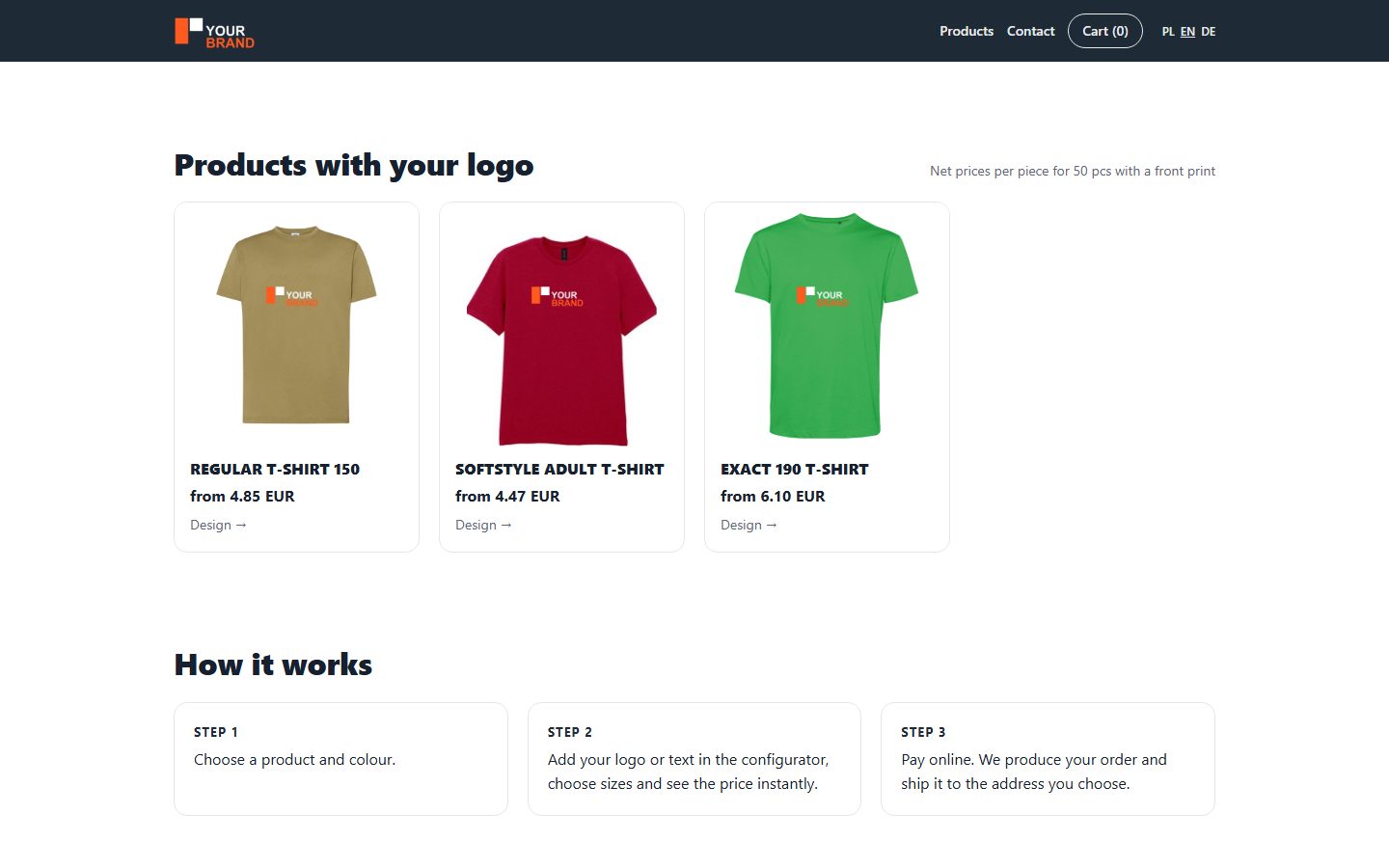
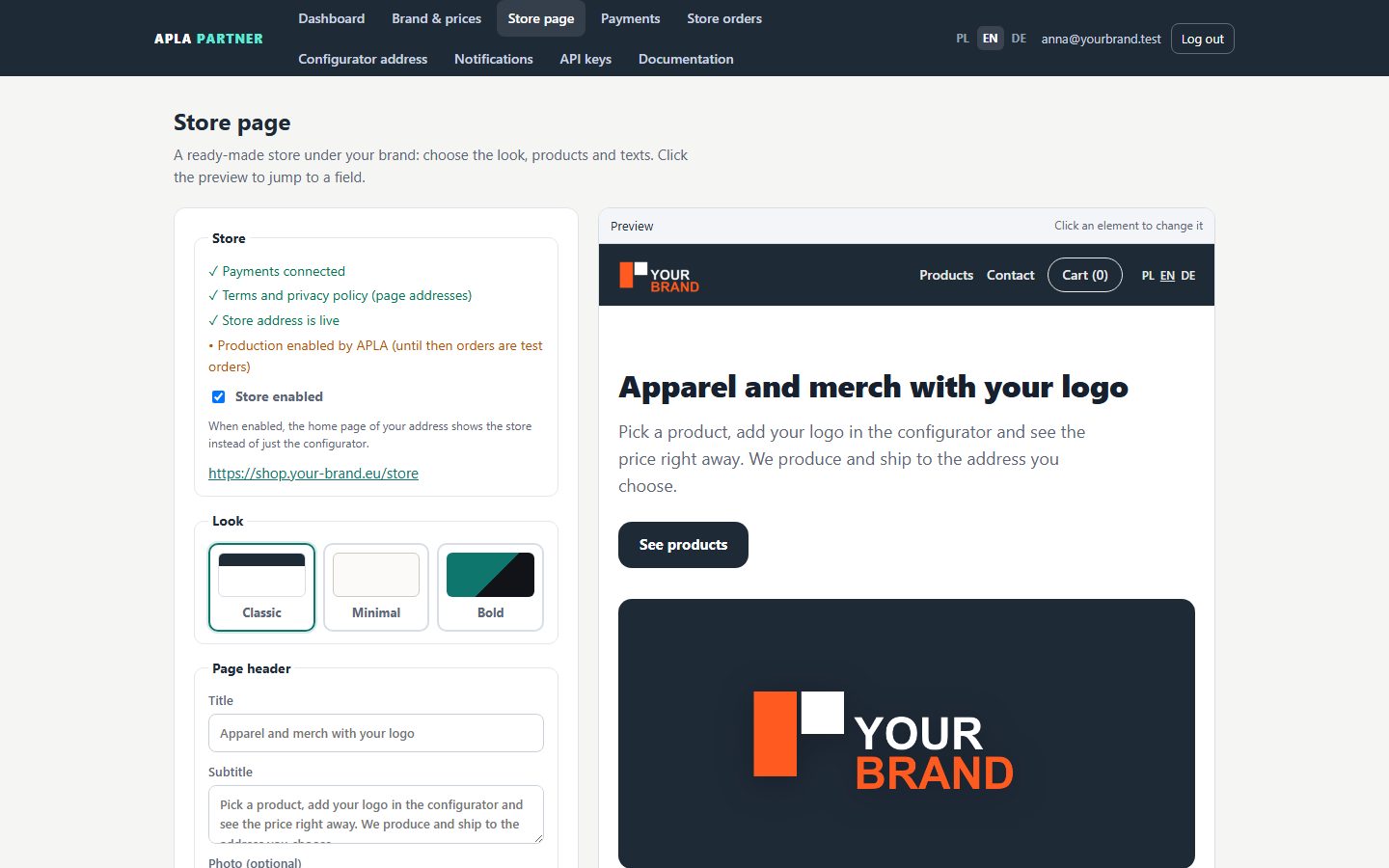
Your shop under your brand
Open a partner account, choose the look, products and prices. The shop carries your logo and colours and runs on your own address.
02
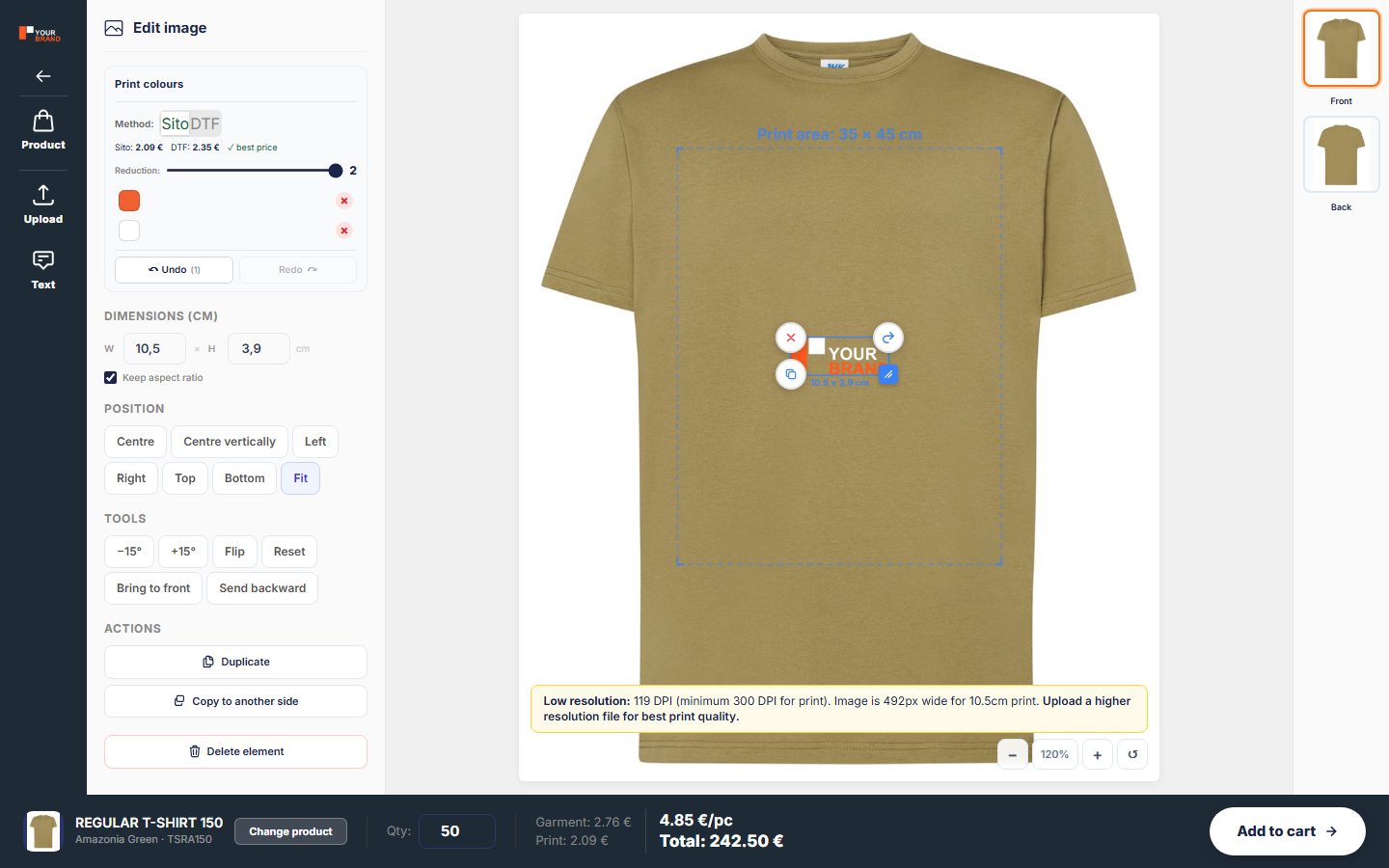
Your customer designs in the configurator
Customers choose a product, upload their logo or artwork, place it on the product and see the price for their quantity right away.
03
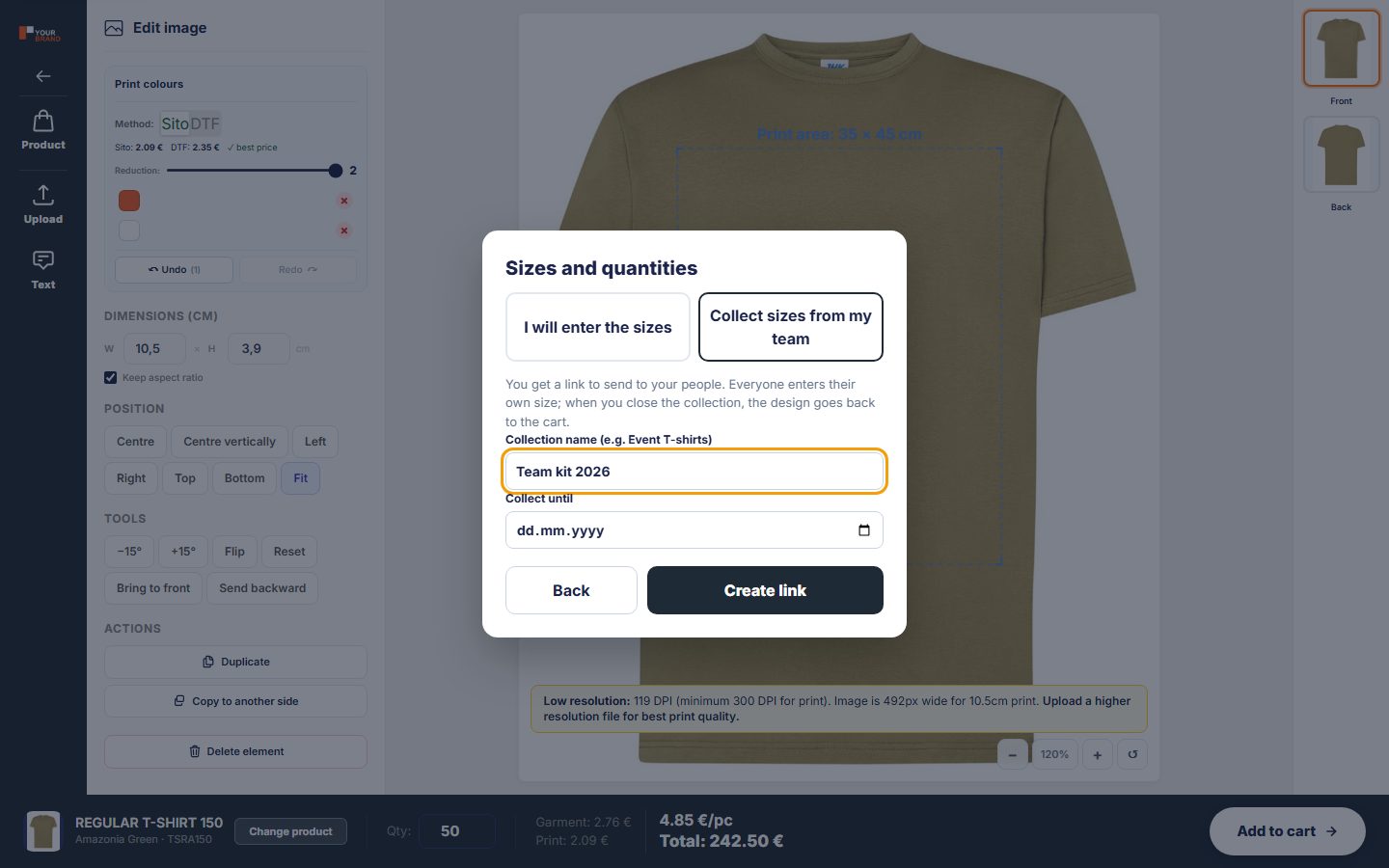
Sizes: entered or collected from the team
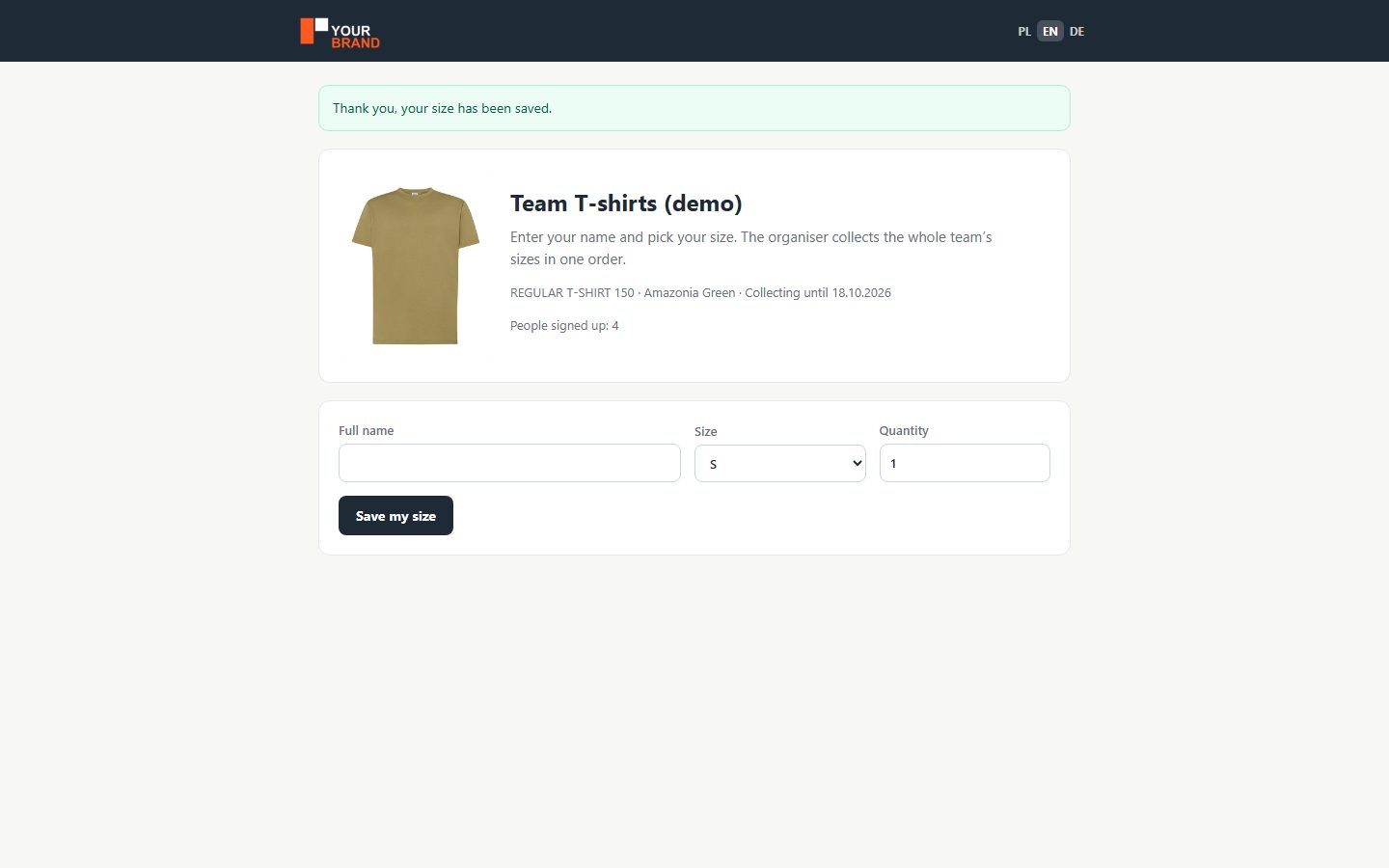
At checkout the customer chooses: enter the sizes themselves or get a link where everyone on their team enters their own size.
04
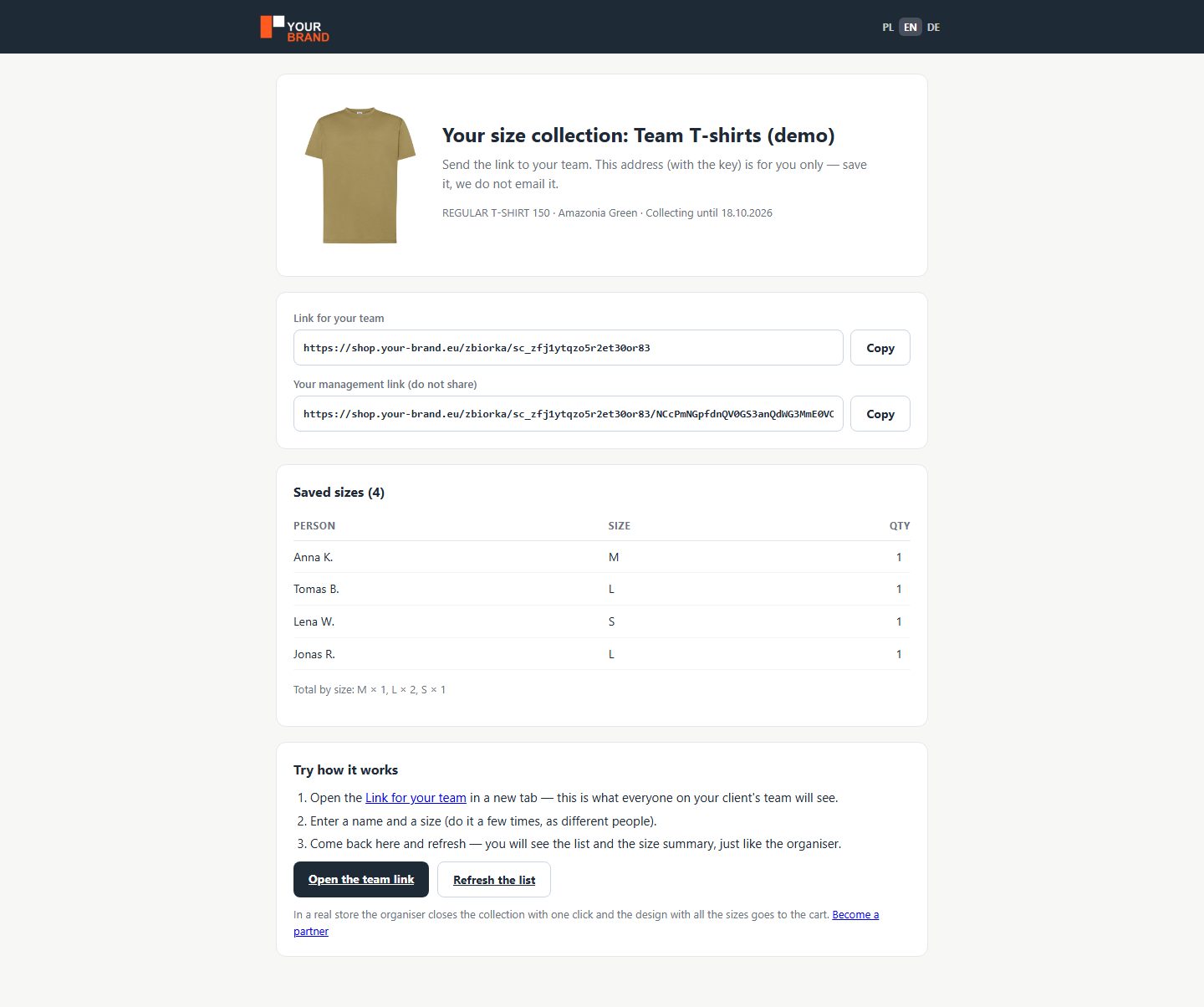
The team enters, the organiser sees it all
Each person adds a name and a size. The organiser sees the list and the summary, and once the collection is closed the design with all sizes goes to the cart.
05
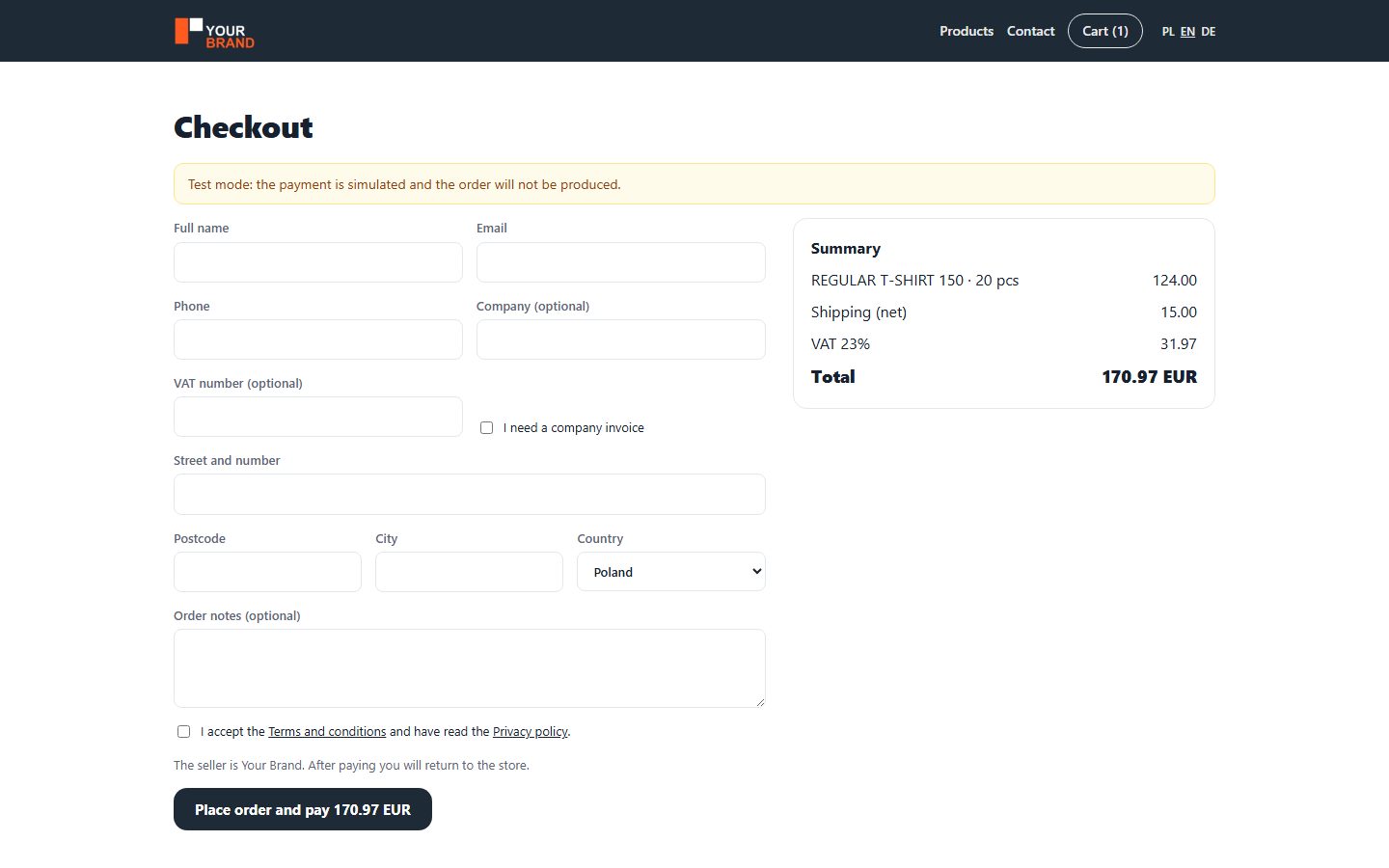
Payment goes to you
The customer pays in your shop, into your own Przelewy24 or Stripe account. The paid order reaches us automatically.
06
Production and shipping
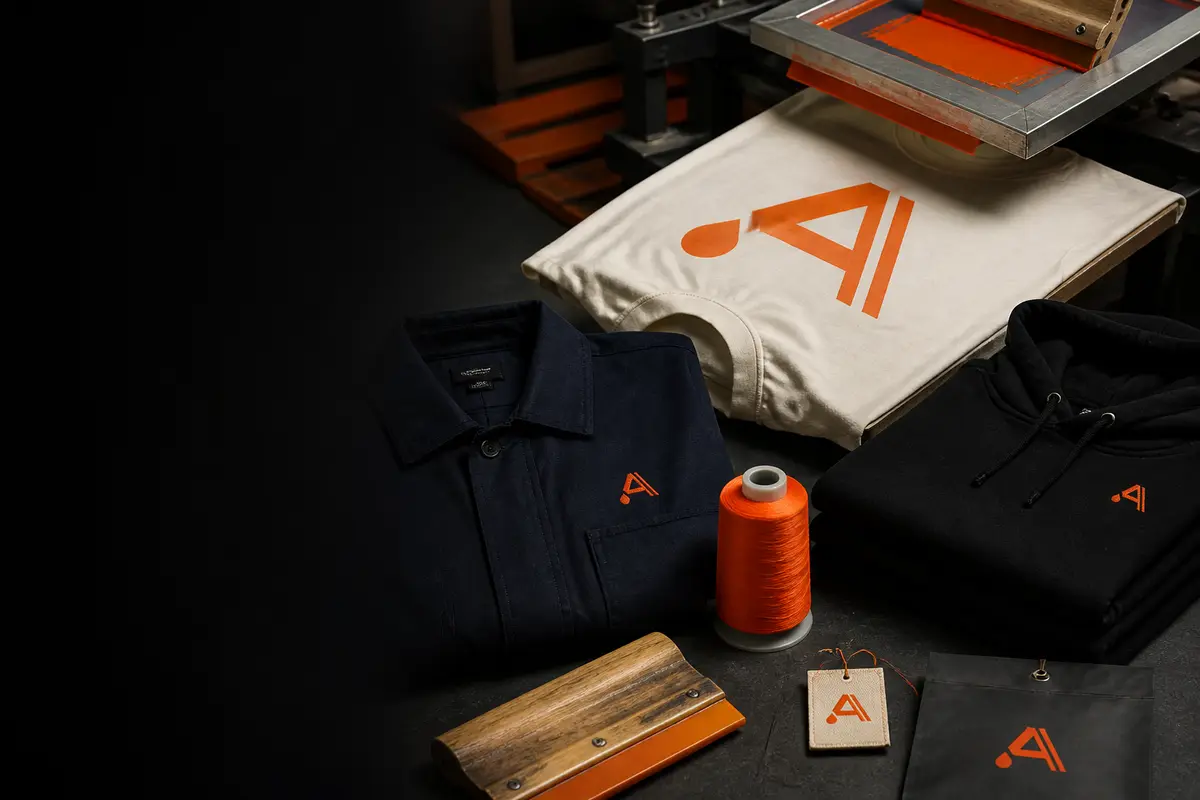
Our artwork team checks the files, we print or embroider, check and pack. The parcel goes straight to your customer.
07
Everything in your panel
Store look, payments, store orders and customer details for your invoices. We invoice you for production after shipping.
Try it yourself
The size collection demo runs on the real system: open the team link, enter a few sizes as different people and come back to the organiser view.
Frequently asked questions
What does the parcel look like?
We ship straight to your customer, in neutral packaging or with your logo.
Who handles my customers?
You do. If something needs a decision, we ask you.
How long does production take?
DTF up to 7 working days, screen printing up to 14 working days. With prepayment we count from the day it is received.
How do we settle production?
We invoice you after each order ships. The payment terms (prepayment or a credit limit) are set in the partner agreement.
Can I start without an agreement?
Yes. Once you sign up you get the panel, configurator, prices and shop straight away. Real orders start after the agreement.
Which files do you accept?
PNG, JPG, SVG, PDF, AI, EPS, CDR and WebP. Every file is checked by our artwork team before printing.
How much does it cost?
You see the price for every quantity right away in the configurator: your price in the panel and your customer's price, with your markup, in the shop.
Can the shop run on my own domain?
Yes, for example shop.yourcompany.com. Your panel gives you the DNS records and we switch the address on.
Which languages and currencies?
The shop, configurator and panel work in Polish, English and German; prices in PLN or EUR.
Where do you ship?
To every EU country, plus Norway, the United Kingdom and Switzerland.